Introduction
Content teams don’t lose hours to creativity — they lose them to file transfers, approval chains buried in email threads, and version confusion that sends editors hunting for “final_v3_ACTUAL_final.mp4.” That daily grind is exactly what media workflow automation was built to eliminate, and companies that ignore it are quietly bleeding budget while competitors publish faster with smaller teams.
If you run a publishing house, broadcast operation, marketing agency, or in-house content team, this guide breaks down what media workflow automation actually does, how it works under the hood, which tools matter, and how to roll it out without the common missteps that derail most implementations.
What Is Media Workflow Automation?
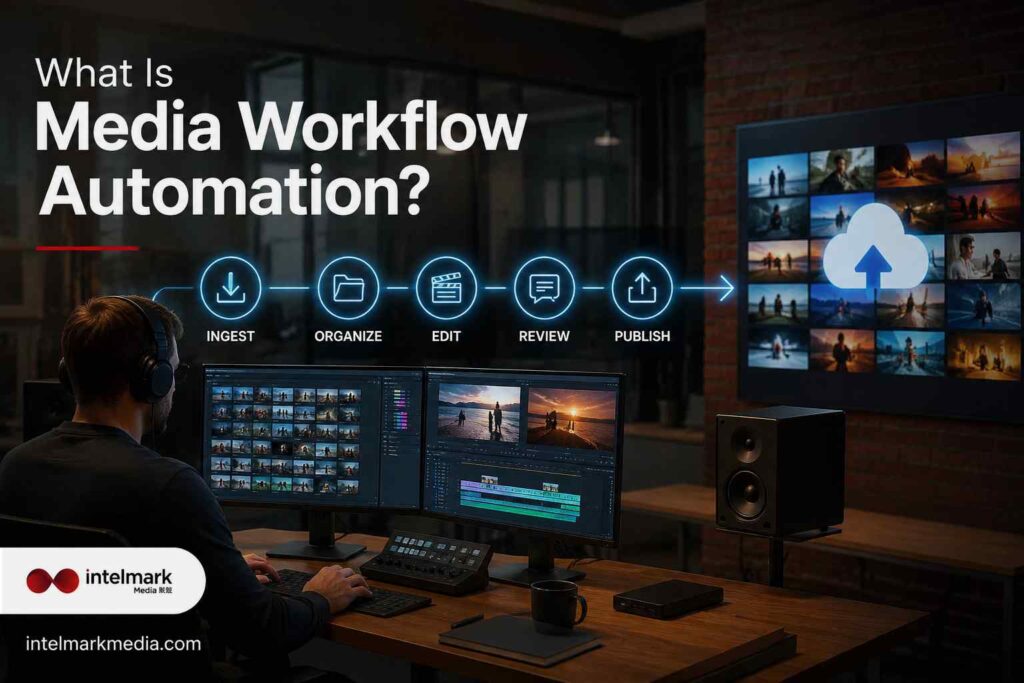
Media workflow automation is the practice of using software to manage the lifecycle of content — ingest, editing, review, approval, transcoding, distribution, and archiving — without someone manually shepherding every file between systems. Rules and triggers do the routing: when a video finishes rendering, it’s automatically sent for approval; when a client signs off, it’s automatically published across channels.
This differs from generic business automation because media files are large, formats vary wildly, and rights, metadata, and compliance requirements are far more complex than a simple invoice workflow.
Why Media Companies Can’t Afford Manual Processes Anymore
Content volume has exploded — social clips, long-form video, podcasts, articles, and paid creative all moving through the same overworked team. Manual handoffs create three predictable problems: bottlenecks at approval stages, lost or duplicated assets, and inconsistent brand output across channels. Automation doesn’t just speed things up; it removes the guesswork about where an asset is in the pipeline at any given moment.
Core Components of a Media Automation Stack
| Component | What It Does |
|---|---|
| Digital Asset Management (DAM) | Centralizes storage, tagging, and version control |
| Workflow Engine | Routes tasks based on rules and triggers |
| Approval & Review Tools | Manages sign-offs with timestamped feedback |
| Transcoding/Rendering Automation | Converts files into required formats automatically |
| Distribution Automation | Publishes to web, social, and broadcast simultaneously |
| Analytics & Reporting | Tracks turnaround time and bottlenecks |
Key Benefits
- Faster turnaround — content moves through review and publishing without manual chasing.
- Fewer errors — automated naming and version control prevent the wrong file going live.
- Lower production costs — less time spent on repetitive administrative tasks.
- Consistent brand quality — approval rules ensure nothing skips compliance checks.
- Better team morale — creative staff spend time creating, not file-wrangling.
- Scalability — handle 3x the content volume without 3x the headcount.

Common Challenges
Automation isn’t plug-and-play. Teams often run into:
- Legacy systems that don’t integrate cleanly with modern tools
- Resistance from staff used to manual control
- Poorly mapped workflows that get automated “as-is,” errors and all
- Underestimating storage and bandwidth needs for large media files
Best Practices for Implementation
- Map the current workflow first. Don’t automate a broken process — fix it, then automate it.
- Start small. Automate one high-friction step (like approvals) before overhauling everything.
- Involve the people doing the work. Editors and producers spot friction points leadership often misses.
- Set clear ownership. Every automated step needs a human accountable for exceptions.
- Test with real files, not sample data — media files behave differently at scale.
Tools and AI Integration
Modern platforms increasingly bake in AI for tasks like auto-tagging footage, generating rough-cut edits, flagging brand or compliance issues, and predicting the best distribution time for a piece of content. AI doesn’t replace the workflow — it makes the routing smarter, catching problems before a human reviewer ever sees the file.
Real-World Use Cases by Industry
| Industry | Example Use Case |
|---|---|
| Publishing | Auto-routing articles from draft to legal review to CMS publish |
| Broadcast | Automated ingest and transcoding of live footage for multi-platform release |
| Marketing Agencies | Client approval loops with automated revision tracking |
| Enterprise Content Teams | Centralized asset libraries feeding multiple regional teams |
Common Mistakes to Avoid
- Automating without first cleaning up existing file chaos
- Choosing a tool based on price alone instead of integration fit
- Skipping staff training, leading to workarounds that break the system
- Ignoring metadata standards, which makes future searches painful

Measuring ROI
Track turnaround time before and after automation, error/rework rate, and hours saved per team member weekly. Most media teams see measurable time savings within the first few months, particularly around approval cycles and file distribution — the two biggest historical bottlenecks.
Future Trends
Expect deeper AI-driven content tagging, predictive publishing schedules based on audience behavior, and tighter integration between DAM systems and generative content tools — all pointing toward workflows that need less human intervention at every routine step, while still keeping people in control of final decisions.
Also Read: Expert Fintech SEO Agency for Financial Businesses
FAQ About Media Workflow Automation
Q1: What is media workflow automation?
Ans: Media workflow automation streamlines repetitive tasks such as content approval, publishing, file management, and reporting to improve efficiency and productivity.
Q2: Why is media workflow automation important?
Ans: Media workflow automation reduces manual work, minimizes errors, speeds up project delivery, and helps teams manage content more effectively.
Q3: Which businesses benefit from media workflow automation?
Ans: Marketing agencies, media companies, publishers, broadcasters, and content-driven businesses benefit by improving collaboration and operational efficiency.
Q4: What processes can media workflow automation handle?
Ans: Media workflow automation can manage content creation, approvals, scheduling, digital asset management, publishing, notifications, and performance reporting.
Q5: Does media workflow automation integrate with existing tools?
Ans: Yes, most media workflow automation solutions integrate with CRM systems, project management platforms, cloud storage, and marketing tools.
Q6: How do I choose the best media workflow automation solution?
Ans: Choose a solution that offers scalable automation, seamless integrations, customizable workflows, analytics, and reliable support for your business needs.
Conclusion
Media production doesn’t slow down, and neither should the systems behind it. Teams that automate the repetitive parts of their workflow — tagging, routing, publishing — free up real hours for the work that actually needs a human eye. Media workflow automation isn’t about replacing judgment; it’s about removing everything that gets in its way.
IntelMark Media helps publishers, agencies, and broadcasters build automated workflows that actually fit how their teams work. Reach out to IntelMark Media today to map out your first automation win.